Our Review of Crunch Accounting
If you need bare bones invoicing software with a few bookkeeping tools, then Crunch might be a good starting point for you. Feature-wise, Crunch simply doesn’t have the same range of tools which are available from other providers, so some small business owners are likely to outgrow it fairly quickly.
Whilst the pages do load quickly, the software does lack some of the most basic features that users might expect from bookkeeping these days. This lack of functionality also means that any time saved on with fast page load times is more than taken up by time-consuming data entry, or finding workarounds to tasks which other software providers have dedicated features for.
The lack of software support is the other huge drawback according to some user reviews. If you have questions, you’ll either need to find answers in the community forum, or start paying for accounting services so you can talk to a real-life person for help.
Ease of Use
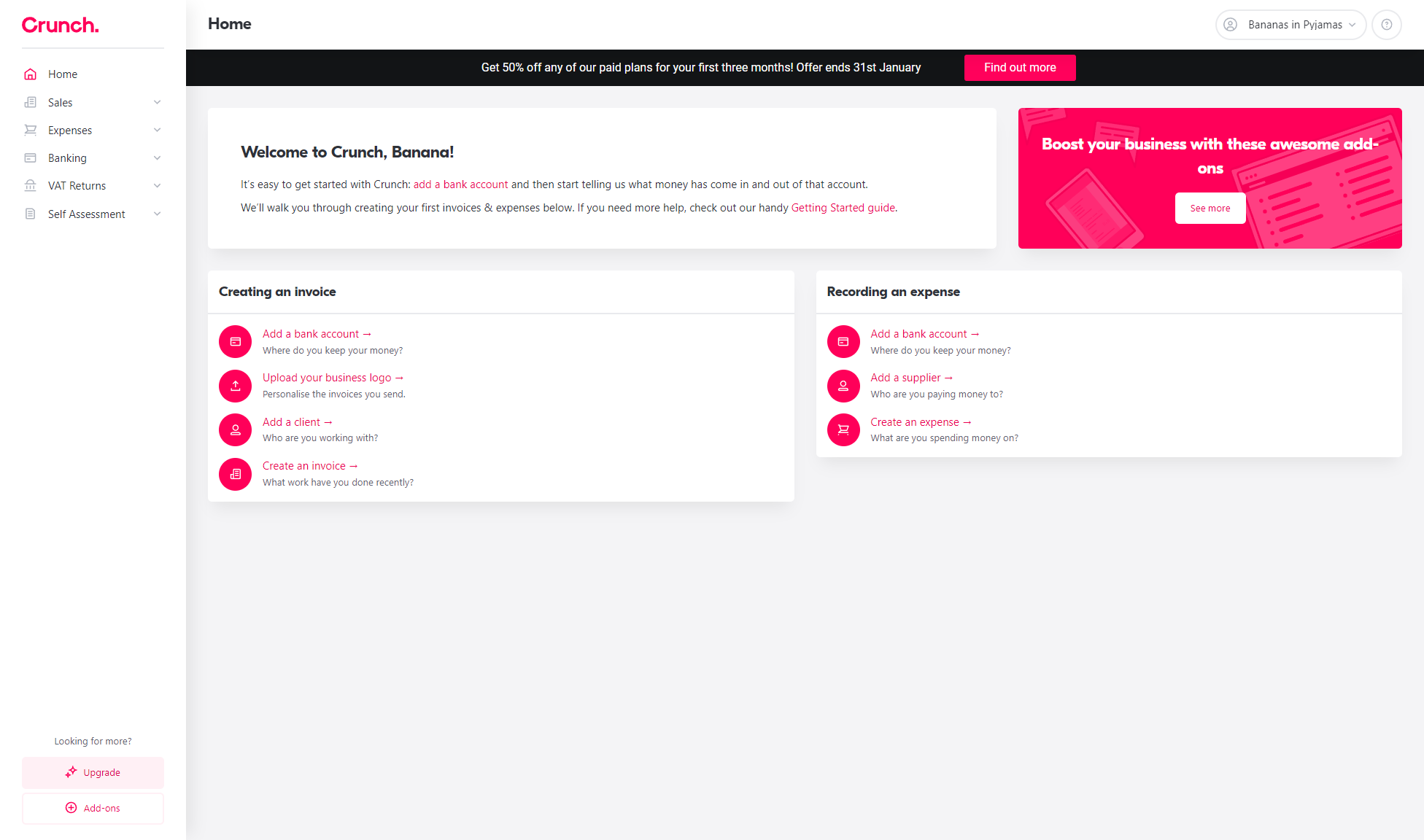
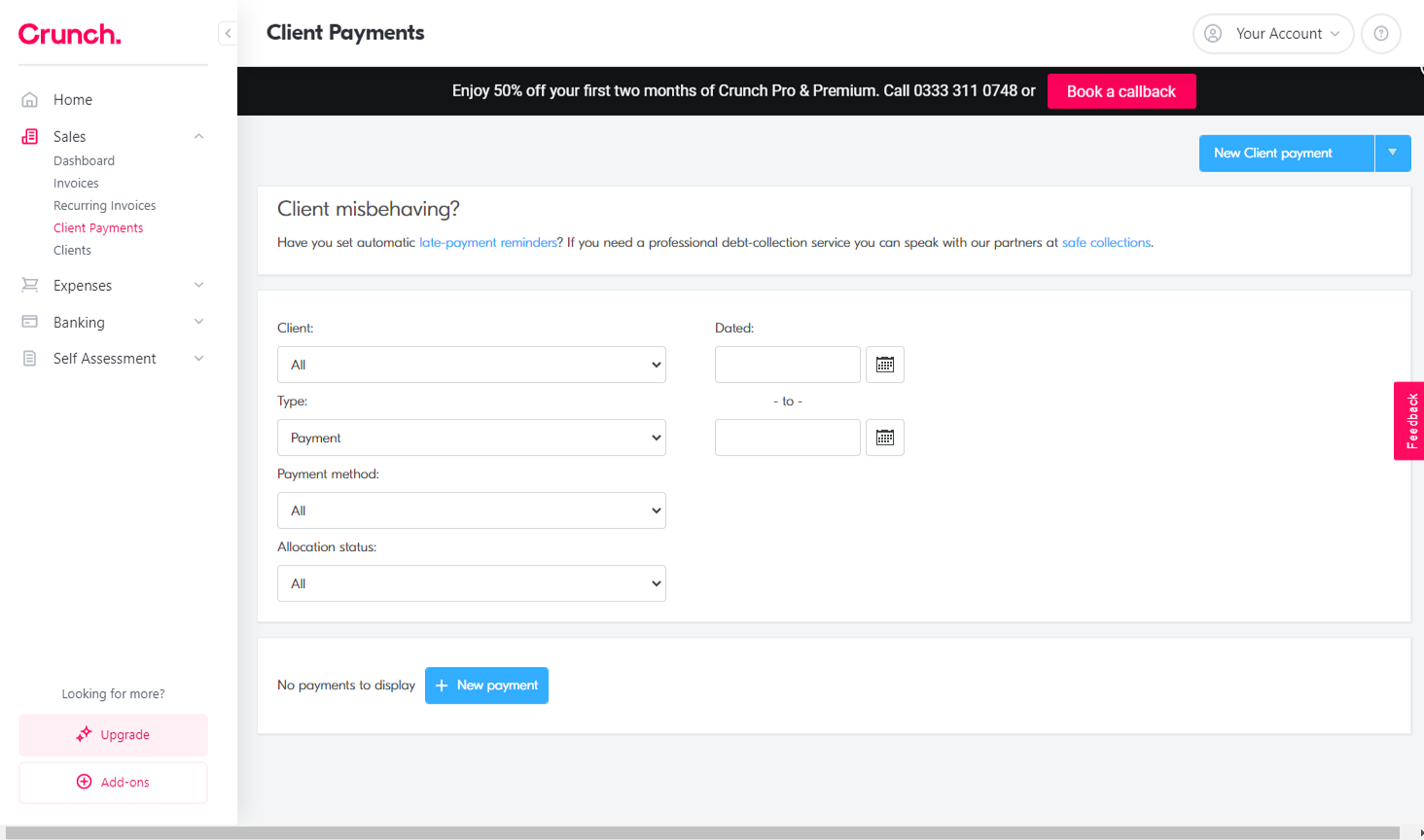
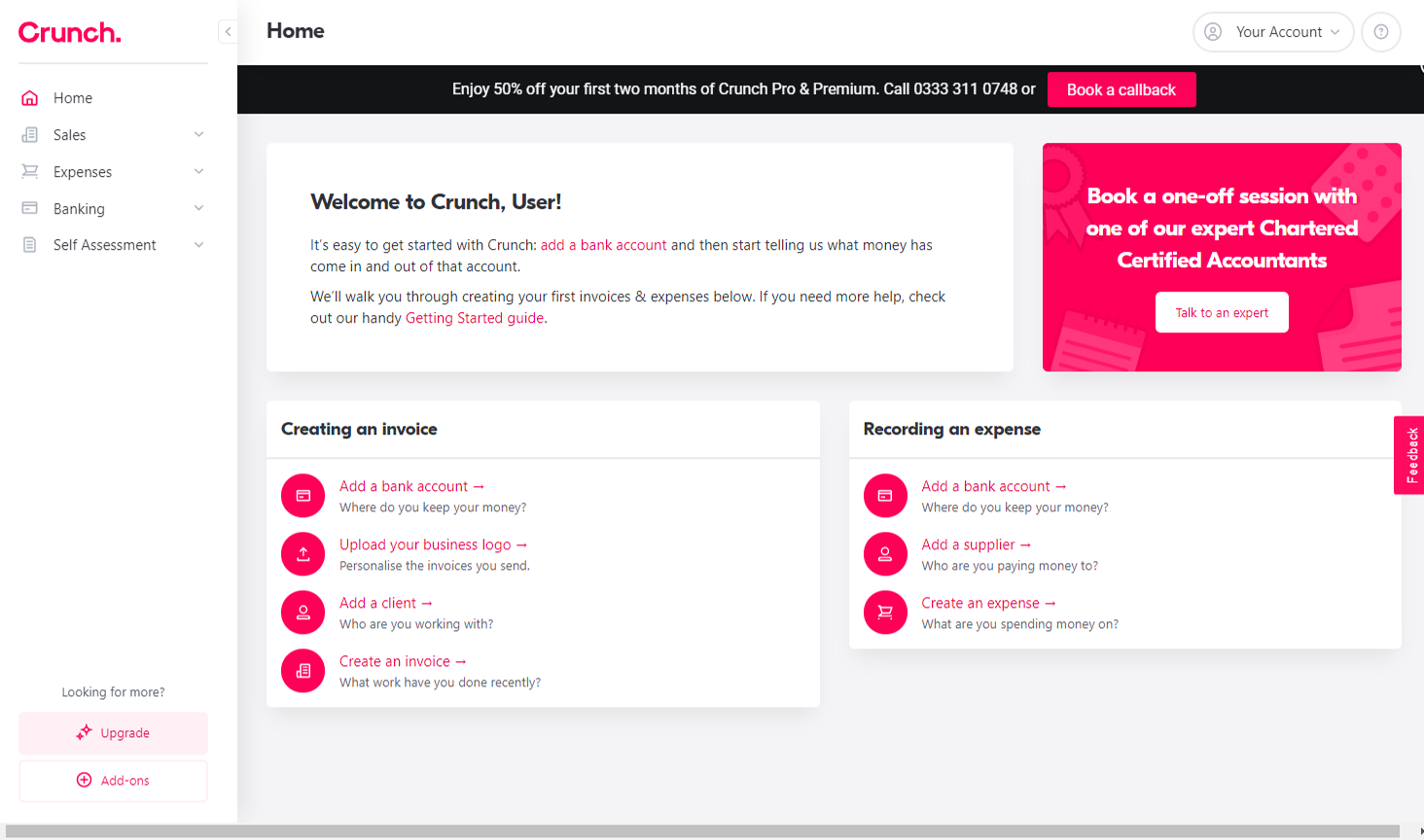
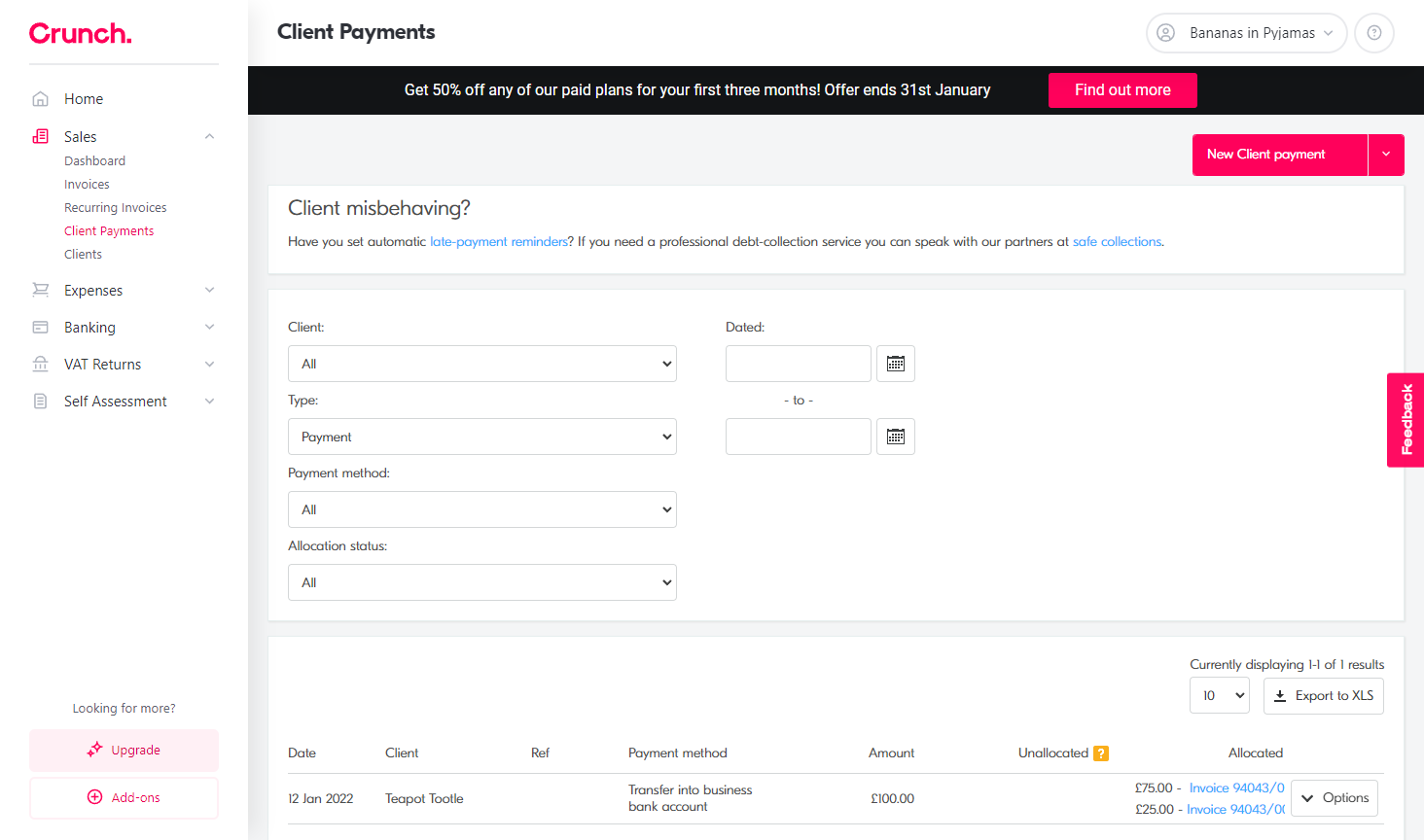
Crunch has the most attractive user interface that we have seen. Creating an account takes less than a minute, leading to a dashboard of options designed to help users create documents in Crunch for the first time. For brand-new businesses this probably isn’t such a bad thing, but anyone with data to import into Crunch (like a list of contacts or opening balances) will quickly notice the absence of any data-import tool or set-up wizard. Set up is much more laborious as a result, especially if you’re not too sure where the information belongs, or whether you even need to enter it.
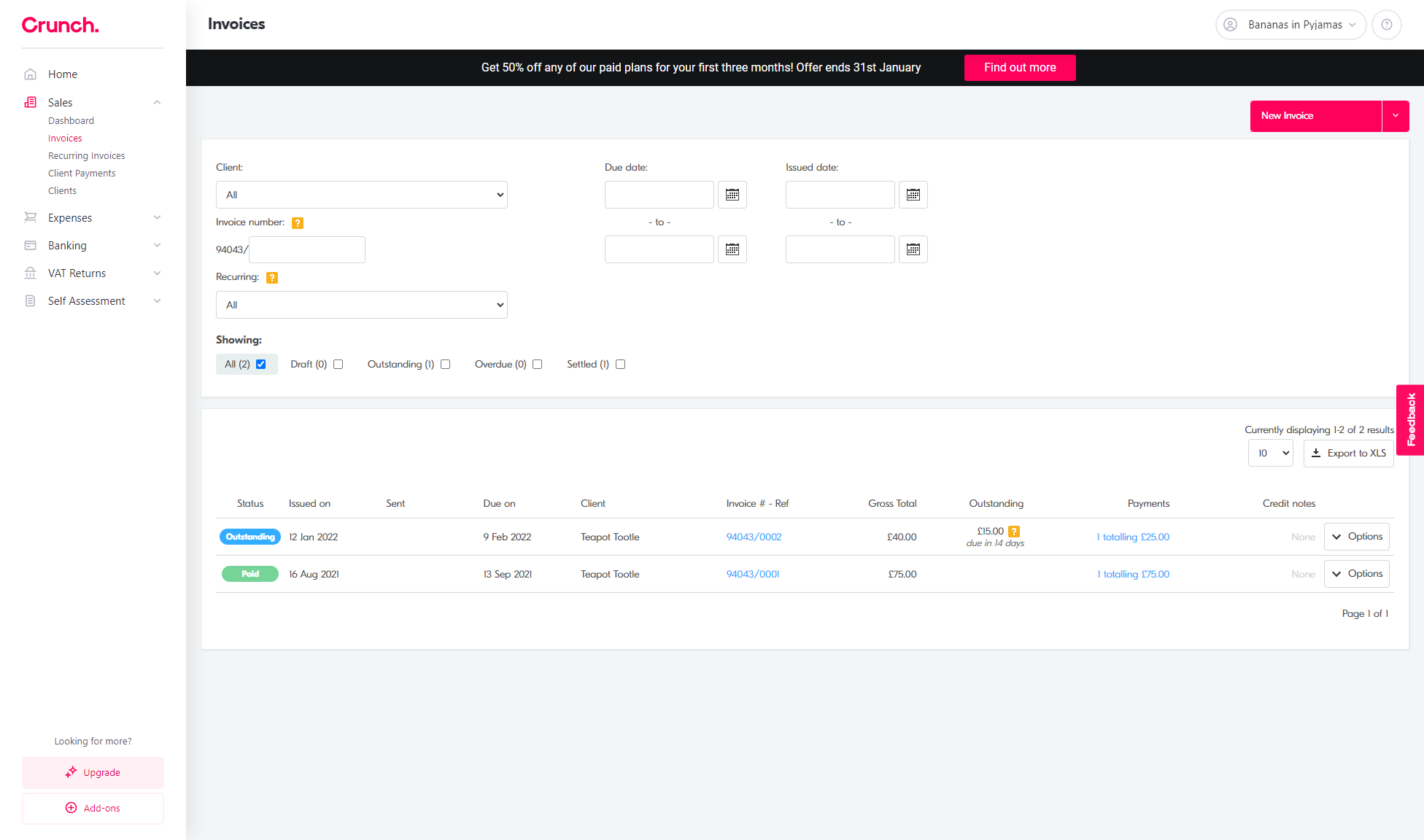
The sidebar menu houses the self-explanatory ‘Sales’, ‘Expenses’ and ‘Banking’ options. Clicking into these opens up more detailed menus, some of which also have their own dashboard to provide an overview of that section.
All in all, finding your way round and getting to grips with Crunch is pretty simple.
Speed
The pages load fast, and we didn’t experience any lag, but this is largely because they do very little. We’ll come back to this when we talk about Crunch’s features.
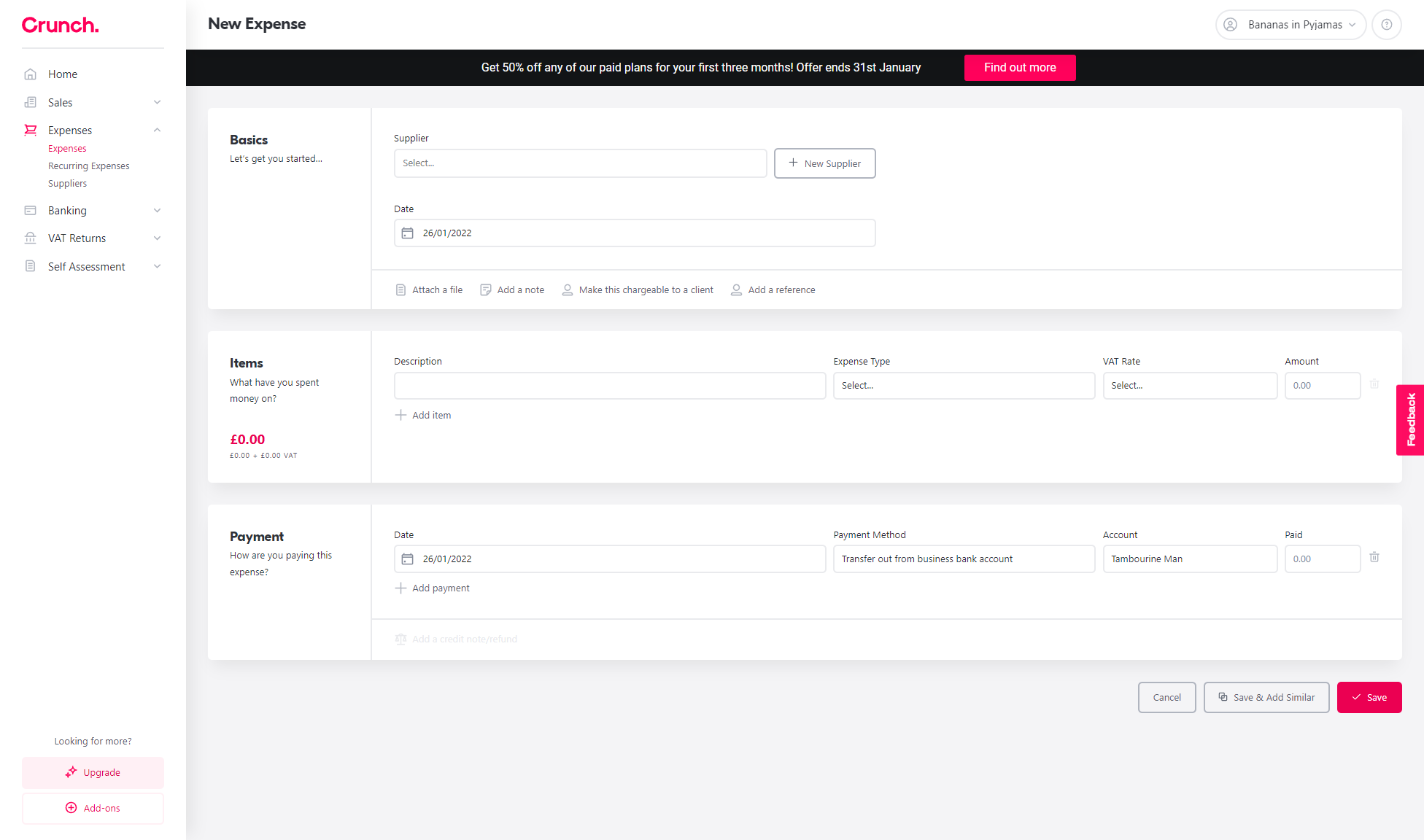
The actual speed that users can complete their bookkeeping is hampered by several factors though. The first of these is the absence of any sort of ‘quick create’ option for documents, such as invoices or quotes, and users will need to work through each menu instead.
Crunch’s software also lacks many of the tools which you’ll find with other providers, such as bulk editing transactions, or bank rules to automatically reconcile banking transactions. It makes it much slower to use in comparison to other providers, despite its fast page load times.
Features
Crunch originally offered bank feeds as part of their free tier, but this has now been moved to the £10.00 per month option. There is a way to manually upload bank statements for the current accounting period, but if you want to minimise manual data entry, or you bank with a provider which they do not support, then you’ll need to research other options.
Crunch’s bookkeeping platform is starting to move into standalone software terriroty, where it was once a gateway to their online accountancy services, but it's still unclear how you might use it with an accountant unless you're using the Crunch accounting service alongside it.
Stock control, projects, and cash flow forecasting, just to name a few, are all noticeably absent, but even the features that are on offer can be seen as ‘lite’ versions when compared with other competitors on the market.
Crunch's features list doesn't mention a business reporting function. Every business will need reports at some point, so it does impact how useful the software alone can actually be.
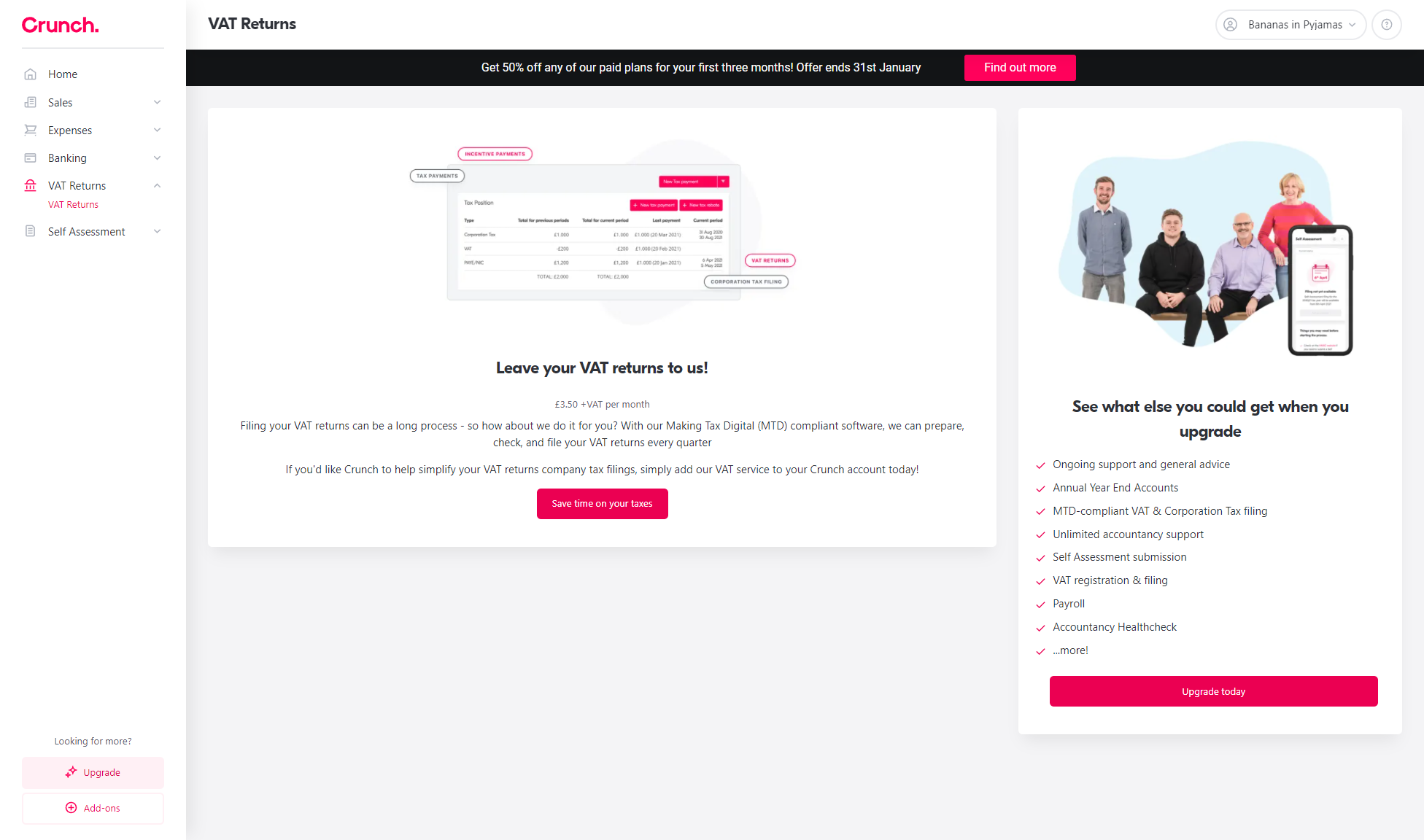
Crunch do provide an option for MTD compliant VAT returns and MTD Income Tax updates. These can be added on to the £4.00 per month package for an extra £4.00 per month, or they're included in the £10.00 price.
There is a separate app that you can download to capture receipts using your device’s camera. It’s designed to integrate with Crunch so users can store documents alongside transactions, although the current negative reviews suggest there’s much more work to be done here.
Support
They have a help centre that contains some basic guides to using the software, and their website has some really excellent articles about a range of business-related topics. You’ll either talk to the digital assistant if you're using the Free version, or from £4.00 per month you get a free 30 minute consultation with an advisor.
Price
Comparing Crunch on price alone is quite difficult. The free tier is too basic to be useful for most business, especially compared to other free versions of accounting software available, and including Crunch ads on your invoices might be quite off-putting for most.
Things do get better once you start paying to access more features, but you'll need to look at the £10.00 per month option for the more useful automations such as bank feeds and automated reconciliation. This is still cheap compared to most of the market, but even at that point you won't have the option for budget management, reporting, stock trackers, or even accountant collaboration tools outside of their own accounting service. The software simply isn't as feature-rich as other providers, but for smaller or simpler businesses this won't be an obstacle.
What level of bookkeeping knowledge will I need?
The software doesn’t do an awful lot and as a result it’s very stripped-back, so there aren’t many places to get lost. Clunky accounting jargon is kept to a minimum, and their help articles are decent.
Software Screenshots
Pros
- Access to real UK-based accountants included in plans.
- Intuitive interface, perfect for non-accountants.
- Real-time calculations of tax liabilities.
- Free starter package for simple bookkeeping.
Cons
- Bookkeeping features can feel limited without paid support.
- No native Android/iOS mobile application.
- Accountant response times can vary during tax seasons.